

Which images on your site are AI-generated?
Add one line of code. Automatically show verification badges on AI-generated images across your entire website.
See the badge in action
Browse the carousel below. Two of the images carry a C2PA manifest, the badge appears instantly on those. The other two do not, no badge is shown.


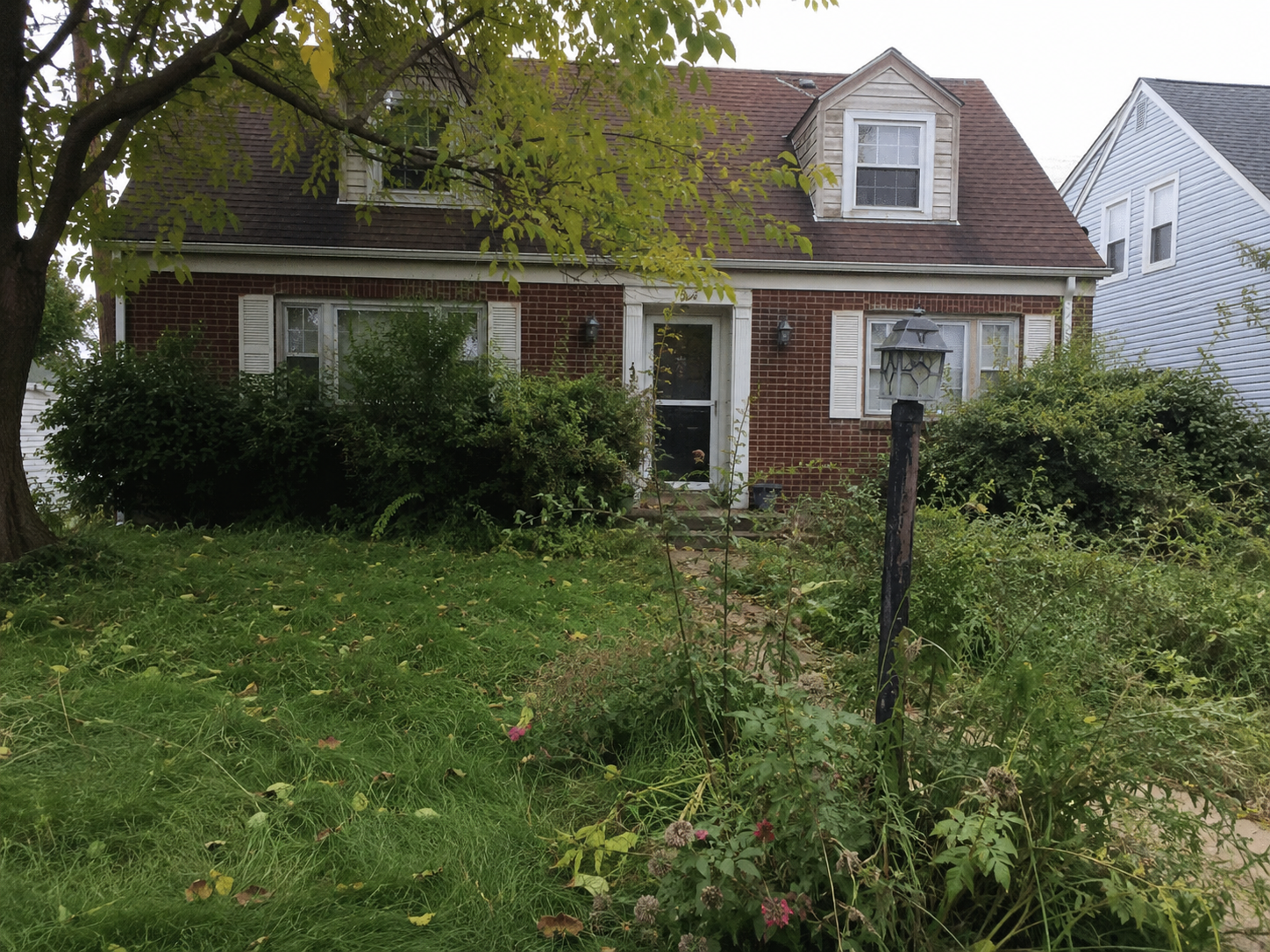

Browse the carousel. Two of the images carry AI disclosure, the badge appears on those.
AI Badge Pro
- Official EU AI badges engraved into your images
- Dynamic, interactive AI and 3D badges on your website
- Company watermark
- C2PA signing with verifiable provenance
- Clean and badged output versions
- Invisible watermark: your data never gets lost, no matter the image pipeline
Yearly plans include free installation of the AI Badge on your website.
Verify badges on 1 domain and sign up to 20 property images per month. No credit card.
Built for the real estate sector
AI staging, sky replacements and CGI renders are everywhere in real estate. AI Badge makes sure visitors automatically see which images were created or edited with AI.
Real estate agencies
AI virtual staging, sky replacements and AI-enhanced listing photos automatically get the right disclosure on your listing site.
Property photographers
Photographers who virtually stage or AI-retouch images deliver disclosure automatically on every photo.
Project developers
CGI renders of unbuilt property and virtual interiors are clearly marked as AI or CG content.
Property portals & platforms
Portals with thousands of listings show badges on every AI image automatically, with no per-image sorting.
One line of code
Paste this into your website and the badge appears on every image that carries a C2PA manifest.
<script src="https://notarai.io/badge.js" data-notarai-public-key="ntr_pk_live_…"></script>This is a public key. It is safe to expose in your HTML. It only works on the domains you register in your dashboard.
Why this matters
The EU AI Act Article 50 requires that AI-generated or AI-manipulated images - including virtual staging, sky replacements, and AI edits - carry a machine-readable disclosure when published online. The law has been in force since 2 August 2026, with fines of up to 15 million euros or 3% of global annual turnover.
C2PA is the industry standard for content provenance, backed by Adobe, Google, Microsoft, and OpenAI. NotarAI uses C2PA to power the verification badges on your site.